Access Cloud Library

1. Download the App

Via your device’s Apple App Store, Google Play Store, or Amazon Store (Fire tablets only).

Search for cloudLibrary and download.

Or, go to yourcloudlibrary.com using a web browser on your computer.

*Amazon appstore app only available for Fire tablets
2. Log in to your library

Select your state, library, and enter your library barcode and 4-digit PIN. Click “agree to terms” and log in. 

3. Start Exploring

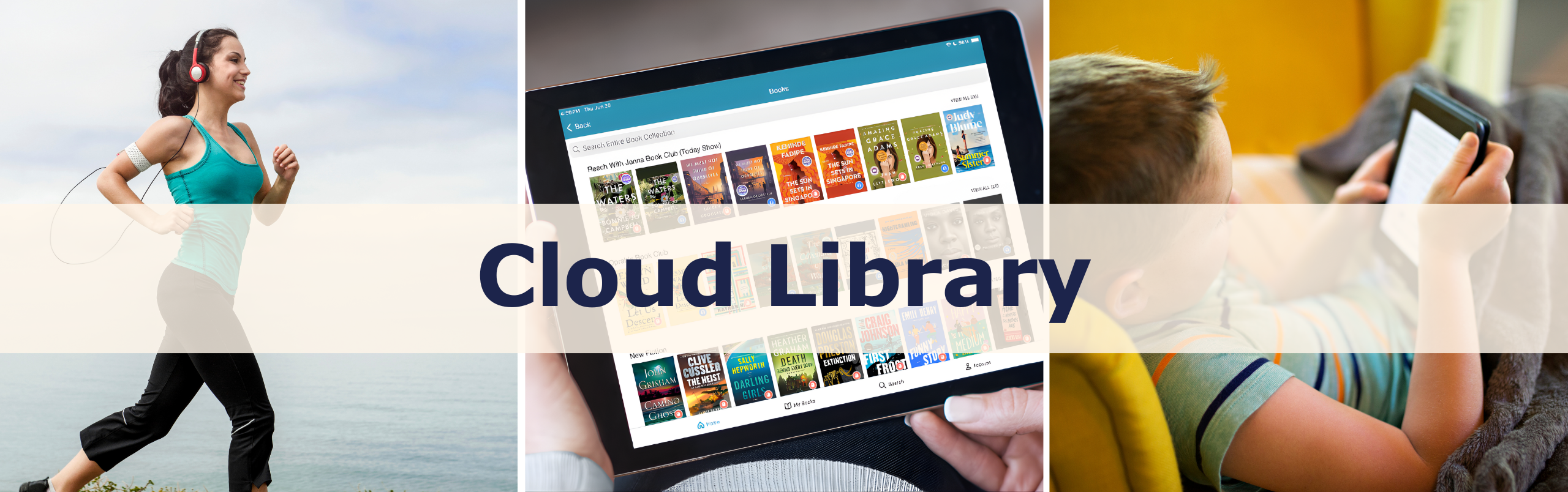
Browse, borrow and read ebooks and audiobooks from your library

Frequently Asked Questions/Common Issues